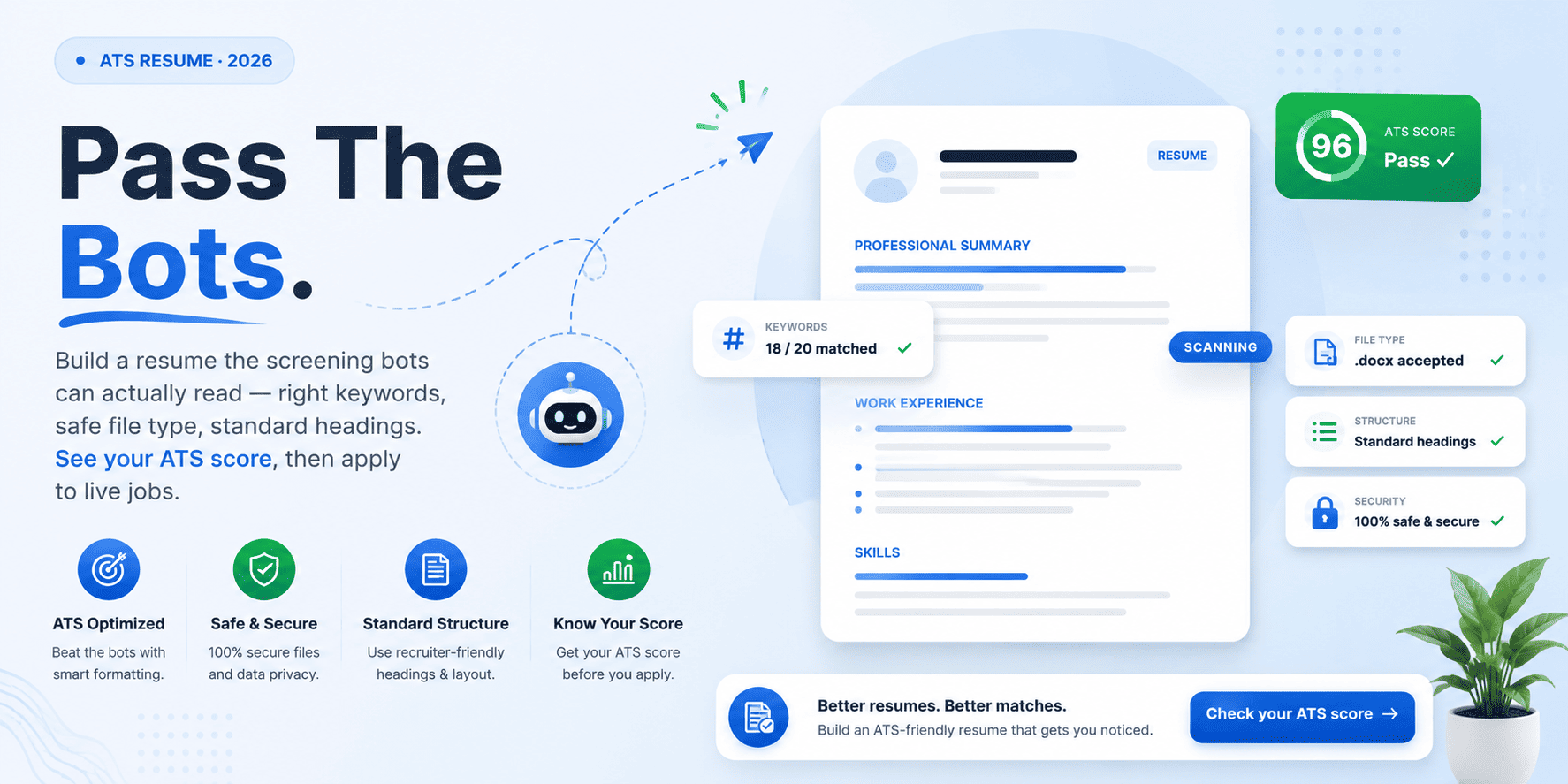
In 2026, roughly three in four resumes never reach a human recruiter. Around four in five Australian employers screen candidates with software first, so an ATS-friendly resume is the price of entry, not a nice extra. If your applications keep vanishing, this is usually why.
The good news is that the fix is mechanical, and you can learn it fast. This guide walks you through how to create an ATS-friendly resume step by step, then shows you how to check the result before you apply. By the end, you will know exactly what to change.
Want to skip ahead? Create a free profile on CloudColleague, Scan your resume free on CloudColleague and get your ATS score in seconds.
What Is an ATS-Friendly Resume?
An applicant tracking system, or ATS, is the software employers use to scan, rank, and filter resumes. An ATS-friendly resume is simply one the software can read, parse, and match to a job without errors.
Two things decide your fate here. First, parseability: can the system pull your details cleanly? Second, keyword match: does your content reflect the job description? Therefore a strong ATS-friendly resume scores well on both, not just one.
Read Next: Best Free ATS Resume Checker in 2026: Tested and Ranked.
ATS-Friendly Resume Format Essentials
Format is where most resumes quietly fail, so start here. Fortunately, the rules are simple and quick to apply.
Use a single-column layout with standard headings such as Summary, Experience, Skills, and Education. Avoid tables, columns, text boxes, and graphics in the body, because these scramble during parsing. Pick a clean, common font, and keep your contact details in the body rather than the header or footer, since many systems cannot read those zones.
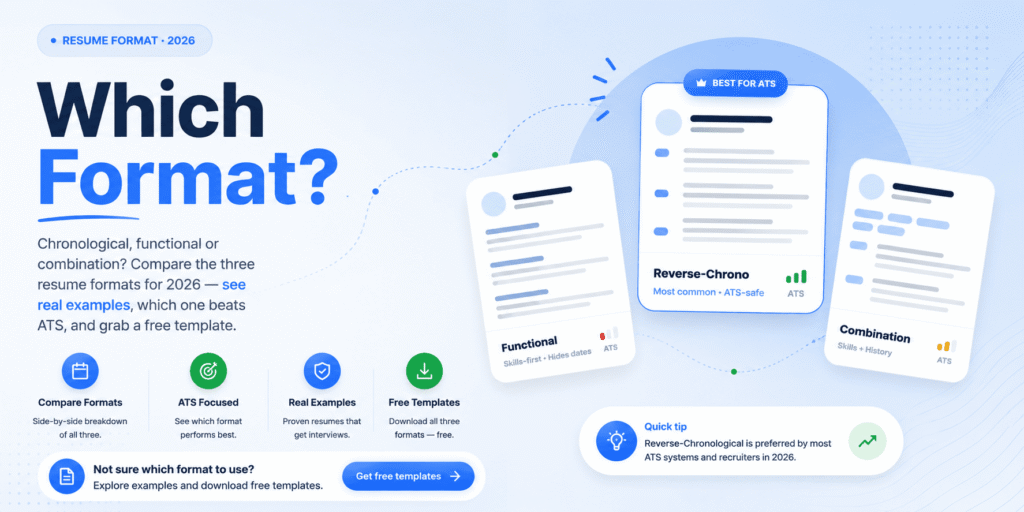
That covers the essentials. For the full comparison of layouts, including which structure suits your situation, see our guide to the best resume format.
How to Add ATS Resume Keywords From the Job Description?
Keywords are the bridge between your experience and the software, so this step matters most. Get it right, and your match score climbs quickly.
Start with the job ad. Copy it into a blank document, then highlight the skills, tools, and titles that repeat. Next, place each must-have keyword in three locations: your skills block, the relevant role’s title line, and the bullet that proves you used it. As a result, the system sees both the term and the evidence.
Aim for roughly fifteen to twenty-five relevant keywords across the whole resume. However, do not repeat terms unnaturally, because modern systems flag keyword stuffing and push those resumes down the queue. In short, write for a person, then confirm the machine can follow.
How to Check Your ATS Resume Score?
Here is the step almost everyone skips: testing the resume before they send it. Yet a quick check is what separates a callback from silence.
A good ATS score sits at 80 or above. That number reflects how well your keywords match the role and how cleanly the file parses. So before you apply, run your resume through a checker, read the missing-keyword list, and fix the gaps one at a time.
CloudColleague makes this effortless. You upload your resume, get an instant ATS-style read, and see exactly which terms you are missing for a specific role. Then you see live Australian jobs that already match your profile.
Stop guessing. Start as a seeker, check your ATS resume score free on CloudColleague and see matched roles in seconds.
How to Tailor Your Resume for Each Job?
Tailoring is the highest-return habit in your job search, and the data is striking. Recent industry datasets show untailored resumes matching a target role at around 47 percent, while tailored versions of the same resume reach about 81 percent. That gap decides interviews.
Happily, tailoring is light work, not a rewrite. For most applications, refresh your summary, update the skills section, and swap two or three keywords into your most recent bullets. Then re-scan and apply. Because each posting weights keywords differently, this small effort pays off every time. Our guide on How to Write a Resume? can help you to format your resume.
Best File Type for an ATS-Friendly Resume
File type trips up more candidates than you might expect. So choose carefully.
A Word document saved as .docx is the most reliable choice across systems like Workday, Greenhouse, and Lever. A text-based PDF works too, but only if the text is selectable. Avoid image-only PDFs, scans, and exports from design tools, since these often fail to parse.
There is a fast self-test. Open your PDF, then try to select and copy the text into a blank document. If the words come out scrambled or missing, your formatting is breaking parsing, and you should reformat before applying.
Wanna know the best file type? Read our guide: PDF vs DOCX Resume: What ATS Systems Actually Prefer
ATS Resume Mistakes That Get You Rejected
Most rejections come down to a handful of avoidable errors. Scan this list, then check your own resume against it.
- Tables, columns, and graphics in the body, which scramble parsing.
- Non-standard section headings the system does not recognise.
- Inconsistent or unusual date formats.
- Image-based or scanned files that contain no readable text.
- Contact details hidden in the header or footer.
- Keyword stuffing, which now triggers a downgrade rather than a boost.
Fix these first, because they block you before any keyword work can help.
Using AI to Build an ATS-Friendly Resume Safely
AI is a genuine shortcut for an ATS-friendly resume, as long as you keep control. Used well, it saves hours. Used carelessly, it sinks you.
So use AI as an editor and analyst. It is excellent at finding missing keywords, suggesting stronger verbs, and tightening wordy bullets. However, never let it invent achievements or numbers, because every fabricated claim becomes a landmine in your interview. Moreover, systems now flag resumes that read as fully machine-written. Therefore keep your own voice, add only skills you can defend, and finish with a read-aloud pass to remove any template-sounding lines.
Read our guide on: Jobscan vs Resumeworded (2026): Which ATS tool is actually worth it?
Your ATS-Friendly Resume Checklist
Before you hit submit, run through this quick checklist:
- Single-column layout with standard headings.
- Fifteen to twenty-five relevant keywords from the job ad.
- Each key term placed in skills, title line, and a proof bullet.
- Saved as .docx or a selectable, text-based PDF.
- Contact details in the body, not the header.
- An ATS score of 80 or above.
Start Your Journey Beyond Resume
Creating an ATS-friendly resume is mechanical, not mysterious. Use a clean format, mirror the job’s keywords, save the right file type, and avoid the common parsing mistakes. Then tailor lightly for each role and test before you send. So take the final step that most people miss. Check your resume free on CloudColleague, fix what the scan flags, and start applying to matched roles today.
CloudColleague is a hybrid platform, which also helps you browse freelance tasks. Browse through guides on tasks to know about how tasks and bidding works.
Frequently Asked Questions
It is a resume the screening software can read, parse, and match to a job without errors. It uses a clean layout, standard headings, and keywords drawn from the job description, so it passes the filter and reaches a recruiter.
Run it through a checker that scores parseability and keyword match. You can upload your resume to CloudColleague for a free, instant read and a list of fixes before you apply.
Aim for 80 or above. A score in that range means your keywords match the role and your file parses cleanly, which gives you a strong chance of reaching a human reviewer.
A Word .docx file parses most reliably across major systems. A text-based, selectable PDF is a safe second choice. Avoid image-only PDFs and design-tool exports.
You can check your resume free on CloudColleague, see your score, fix the gaps, and then apply to live Australian roles that match your skills.