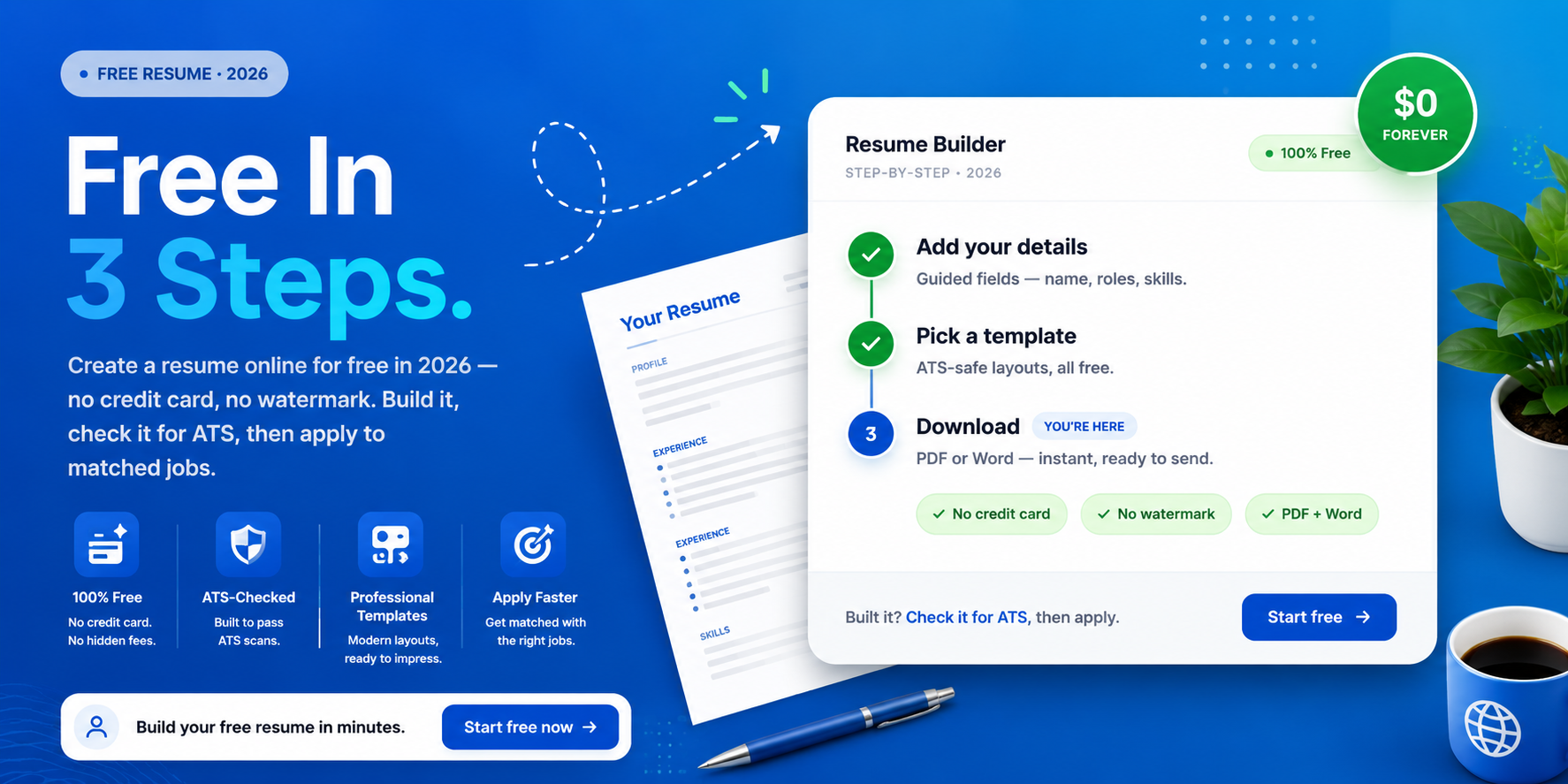
You can create a resume online for free, and it takes about fifteen to thirty minutes. There is no need for a credit card, and no watermark on your finished file. Most job seekers now build online rather than wrestling with Word, and for good reason. Online tools format the page for you and keep it ATS-friendly by default.
This guide walks you through the whole process, step by step. You will go from a blank page to a finished resume that is ready to send. Better still, you will know exactly how to check it and apply, all in one place.
| Ready to start? Create your free profile on CloudColleague, explore platform features and check your resume for free. |
Why Create a Resume Online (Instead of Word)?
Building online simply beats formatting by hand. Online tools cut resume creation from several hours to a few minutes. They auto-format every section, so your spacing and fonts stay consistent. They also use ATS-friendly layouts by default, which Word does not.
A Word document, by contrast, leaves everything to you. You format manually, and you get no feedback on whether the file will pass screening. For a 2026 job search, an online builder is the faster, safer choice. So let us walk through how to do it.
Read Next: PDF vs DOCX Resume: What ATS Systems Actually Prefer in 2026
How to Create a Resume Online for Free in 6 Steps?
The whole process breaks into six simple steps. Follow them in order, and you will finish with a recruiter-ready resume. Each step takes only a few minutes.
Step 1: Choose a Free Online Resume Builder
Start by picking a tool that is genuinely free and ATS-safe. Watch out for builders that let you build for free, then charge to download. If you want a full comparison of the options, see our guide to the best resume builder. CloudColleague lets you build, check, and apply in one place, with no download trap.
Step 2: Pick an ATS-Friendly Template
Next, choose a clean, single-column template. Avoid heavy graphics, columns, and icons, because they confuse screening software. A simple layout reads well for both the bots and the recruiter. For help choosing, see our guide to the best resume format.
Step 3: Fill In Your Details With Guided Prompts
Now add your details, section by section. Enter your contact information, summary, work experience, skills, and education. Most online builders offer suggested phrases that beat staring at a blank page. For stronger wording and bullet technique, see our resume writing guide.
Step 4: Tailor It to the Job With Keywords
This step lifts your match rate fast. Read the job ad, then mirror its key skills and terms across your resume. Aim for fifteen to twenty-five relevant keywords, placed naturally. For the full keyword method, see how to create an ATS-friendly resume.
Step 5: Check Your Resume Score
Do not skip this step, because it catches what you cannot see. Run your resume through an ATS-style check before you download it. A good score sits at 80 or above, and the check shows you which keywords you are missing. Check your resume free on CloudColleague in seconds.
Step 6: Download Free and Apply
Finally, export your resume as a PDF or Word file. Then apply to roles that match your skills, while your resume is fresh and tailored. The faster you apply, the sooner the interviews come. CloudColleague lets you apply to matched jobs in a few clicks.
Read Next: Free ATS Resume Template 2026: Download for Word and Google Docs (Australian Edition)
Create a Resume Online With AI (Safely)
AI makes online resume building faster, as long as you stay in control. It drafts summaries, suggests stronger verbs, and spots missing keywords in seconds. So use it to speed up the work, not to fake it.
However, never let AI invent achievements or numbers. Every false claim becomes a problem in your interview, and screening tools now flag generic, machine-written text. Keep your own voice and your own facts. For more on using AI well, see our resume writing guide.
Read Next: Best Resume Builders Online (Free & Paid)
Create a Resume Online With No Experience
A blank work history is not a barrier, so do not worry. Online builders offer entry-level templates and prompts designed for exactly this. Lead with your education, projects, internships, volunteering, and skills.
Then quantify whatever you can, such as the size of a team or the hours you gave. As a result, the page fills with proof rather than gaps. The guided prompts help you describe limited experience with confidence.
Read Next: Best Resume Format for Freshers With No Experience in 2026
Can You Create a Resume Online Free With No Credit Card or Watermark?
This is the question most people worry about, so here is the honest answer. Yes, you can create a resume online completely free, with no credit card and no watermark. However, many popular tools use a build-for-free, pay-to-download model. You finish the resume, then hit a charge just to export it.
So check the download terms before you start. Genuinely free tools let you build and download without a subscription. CloudColleague lets you create, check, and apply for free, with no download trap waiting at the end.
Create, Check and Apply, All in One Place
Here is the part that saves you the most time. You do not need five different tools to land a job. You need one place to create your resume, confirm it works, and apply.
CloudColleague brings those steps together. You create your resume online for free, get an instant ATS-style check, and see live Australian roles that match your skills. Then you apply in a few clicks, while your resume is sharp and tailored. For a full walkthrough, read how to use CloudColleague to find jobs.
| Skip the busywork. Start as a Seeker on CloudColleague and browse full-time jobs, freelance tasks and start earning. |
Frequently Asked Questions
Choose a free, ATS-safe builder, pick a clean template, and fill in your details with guided prompts. Tailor it with keywords from the job ad, check the score, then download and apply.
Yes, genuinely free tools exist and need no credit card. However, many builders charge to download, so read the terms first. CloudColleague lets you create, check, and apply for free.
With the right tool, yes. Some builders let you build for free but lock the PDF behind a paywall. Choose one that allows a free download, or build it on CloudColleague.
Absolutely. Online builders offer entry-level templates and prompts. Lead with your education, projects, volunteering, and skills, and quantify whatever you can.
You can create your resume online free on CloudColleague, check it for ATS, and apply to live roles that match your skills, all in one place.