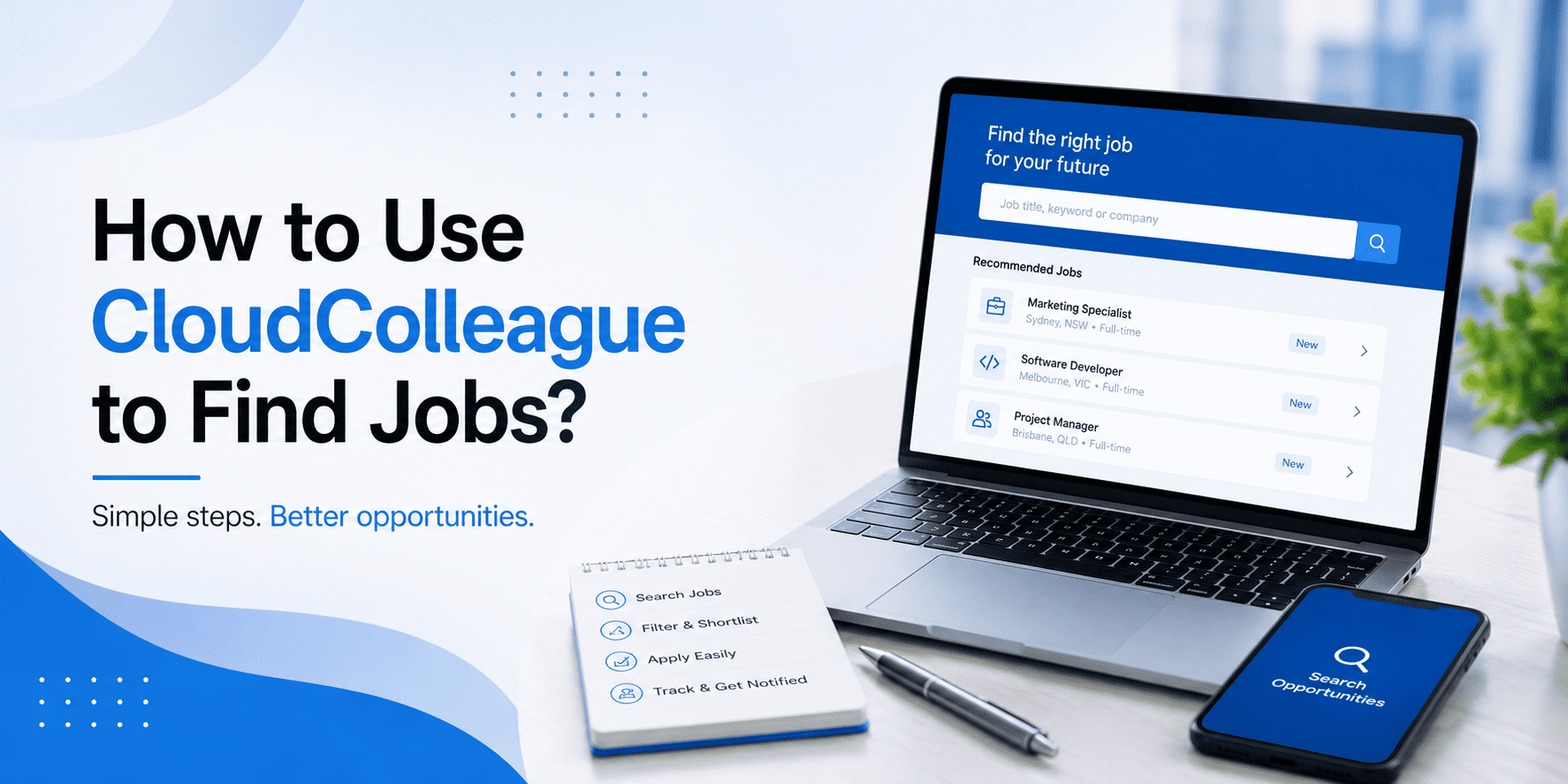
CloudColleague is Australia’s two-sided jobs and tasks marketplace, based in Canberra ACT and used by employers and candidates across every state and territory. This guide walks you through exactly how to use the platform to find work, whether you want a full-time permanent role, a contract, or short paid tasks between roles.
| Quick answer To use CloudColleague to find jobs, create a free account, complete your profile to 100%, set your job alerts and location preferences, then search and apply directly through the platform. CloudColleague hosts both permanent Australian jobs and short paid tasks, with free sign-up, free applications, and a flat 7% completion fee that only applies to completed tasks. |
| Want a head start? Start as a Seeker on CloudColleague, go through our guide on platform updates and start your dream job |
What is CloudColleague and how does it work?
CloudColleague connects employers and workers through two flows on the same platform. The jobs flow handles permanent, contract, and part-time roles that employers post and candidates apply for through a standard application process. The tasks flow handles short paid tasks, from a few hours of admin support to a weekend of skilled trades work, where taskers submit offers and posters accept the best fit.
The commercial model is deliberately simple. Employers pay to post jobs. Posting tasks is free. Candidates always sign up and apply for free. The only fee taskers pay is a flat 7% completion fee, deducted from the task payment after the work is completed and approved. There are no monthly subscriptions, no listing fees, and no charges for unsuccessful applications.
Step 1: Create your free CloudColleague account
Go to Signup page and register with your email address and a mobile number. Verification takes under 60 seconds. You will be asked to choose whether you are signing up as a candidate, an employer, or both, and can update this later from settings.
For a job-seeker profile, choose “Candidate”. You can also enable the tasker option in the same profile, which lets you apply for both permanent jobs and short paid tasks from a single account.
Step 2: Complete your profile to 100%
A complete profile is the single biggest lever for getting employer replies on CloudColleague. Profiles rated 100% complete get shortlisted at roughly two to three times the rate of profiles below 60% complete, according to platform behaviour patterns we see across candidates.
The 100% profile checklist
- Professional photo. Head and shoulders, neutral background, natural light. Selfies with sunglasses rank low with employers.
- Professional summary (100 to 150 words). Lead with your target role and top three skills. Include your location and work mode preference.
- Work history. Every role you have held, with dates, employer, and three to five bullets per role using measurable outcomes.
- Skills tags. Six to twelve skills tagged from the platform’s skill taxonomy. These drive the matching engine.
- Education and certifications. Every qualification, including short courses, TAFE certificates, and industry certifications.
- Location and travel radius. If you can travel for work, set the radius accurately. Overstating hurts your reply rate.
- Verifications. Verify your ID, mobile, and email. Verified candidates get higher visibility in employer searches.
Step 3: Set your job alerts and preferences
The alerts you set drive what lands in your inbox and what appears at the top of your search results. Set them precisely.
Alerts to configure
- Role titles: two to three specific title variants (“content marketer”, “content strategist”, “content lead”).
- Industry filters: pick one or two, not five. Broad industry filters produce noise.
- Salary band: bottom of your acceptable range. Alerts filter jobs below this figure.
- Location and work mode: on-site, hybrid, or fully remote. Set the specific cities or regions you want.
- Alert frequency: daily digest is the sweet spot. Instant alerts create noise, weekly alerts miss fast-closing roles.
Step 4: Search and browse jobs on CloudColleague
The CloudColleague jobs board supports keyword, filter, and saved-search browsing. The most efficient job seekers on the platform use a mix of all three.
Search techniques that work
- Start with a keyword search using your target role title. Note the volume of results.
- Add filters progressively: location, work mode, salary band, contract type, date posted.
- Save the search once results look right. Set a daily email alert on it.
- Browse the “new today” and “closing soon” feeds separately. New roles are less competitive, closing-soon roles are often desperate for candidates.
- Use the “employer directory” to identify companies that hire in your field, then set alerts on their profiles.
Step 5: Apply for jobs on CloudColleague
The application flow is designed to be short but tailored. A well-prepared candidate submits a strong application in eight to fifteen minutes.
The application steps
- Click Apply on the job listing. If you are not signed in, you will be prompted to log in first.
- Review the pre-filled application (pulled from your profile). Confirm your resume is the tailored version for this role.
- Upload a tailored cover letter or short cover note in the message field.
- Answer any screening questions the employer has set. Answer every one, even the optional ones.
- Submit. You will receive a confirmation and the application will appear in your dashboard.
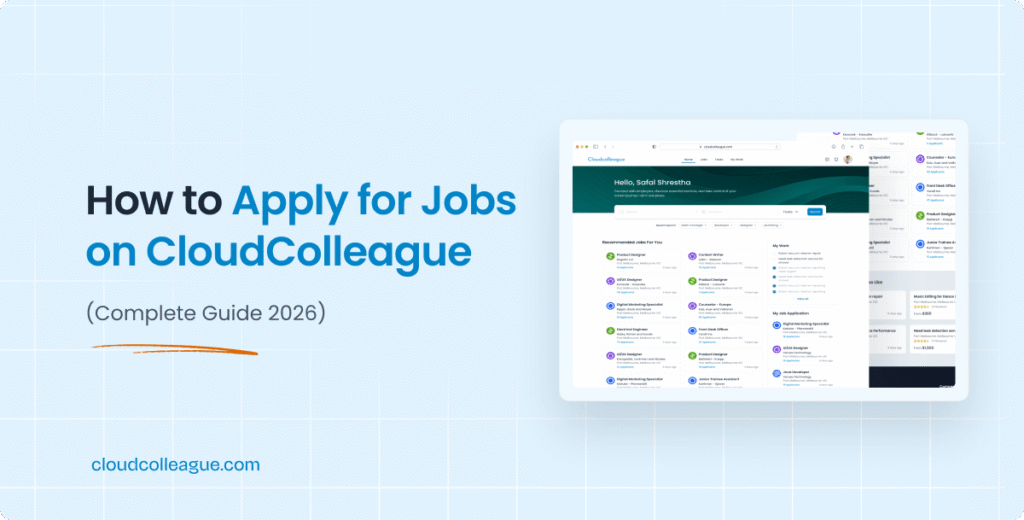
A complete guide to the CloudColleague application flow, including tips for screening questions, is available at the dedicated How to Apply for Jobs on CloudColleague article.
Step 6: Complete tasks between roles or as a side income
Tasks on CloudColleague run on a separate flow from jobs, but from the same account. Tasks are useful in three scenarios: bridging cash flow during a job search, building experience for a career change, and generating a permanent side income.
| Task type | Typical duration | Typical pay range |
| Admin and virtual assistant | 1 to 8 hours | $30 to $50 per hour |
| Data entry and content moderation | 2 to 20 hours | $28 to $40 per hour |
| Delivery and moving help | 1 to 4 hours | $35 to $65 per hour |
| Skilled trades (small jobs) | 2 to 8 hours | $60 to $130 per hour |
| Digital work (design, dev, content) | Half day to full week | $45 to $150 per hour |
Browse open tasks on CloudColleague to see live posts. The 7% flat completion fee is the only cost, and it only applies when a task is completed and paid.
| Ready to make task-based work easier? Explore our Guides on Tasks to learn how task postings, how bidding works, payments, and successful applications work before you take on your first job. |
How CloudColleague compares with Seek, Indeed, and Airtasker?
| Platform | Best for | Fees for candidates |
| CloudColleague | Both permanent jobs and short tasks in one account | Free to sign up and apply. 7% flat fee on completed tasks. |
| Seek | Volume of Australian permanent job listings | Free for candidates. |
| Indeed | Very broad reach, high volume, weaker filtering | Free for candidates. |
| Airtasker | Task-based work only | Tiered fees up to 20%, plus poster connection fees up to $49.50. |
| LinkedIn Jobs | Professional roles with network signals | Free for candidates. |
The unique combination CloudColleague offers is the single-account access to both permanent jobs and short paid tasks, at a flat 7% fee that undercuts task-only platforms by more than half. For candidates who want to keep cash flow steady during a job search, this is the difference between weeks of no income and continuous paid work.
Read Next: How to Apply for Jobs Without Experience (2026 Guide)
Tips to get more employer replies on CloudColleague
1. Verify your ID and mobile
Verified candidates rank higher in employer searches and get roughly 40% more profile views than unverified profiles. Verification takes under two minutes.
2. Update your profile weekly
The platform’s ranking algorithm favours active profiles. A weekly update (a new skill, a refreshed summary, a new work history entry) keeps your visibility high.
3. Apply within 48 hours of a job posting
Employers on CloudColleague typically start shortlisting within 72 hours of posting. Applying in the first 48 hours puts you in the first review batch.
4. Answer screening questions in full
Blank or one-word answers to screening questions trigger auto-rejection. A two to three sentence answer that references the job ad is enough.
5. Follow up through the platform message
A polite platform message to the employer seven days after applying lifts response rates. Keep it short and specific to the role.
| Start finding jobs on CloudColleague today Browse hundreds of live Australian jobs and tasks. Free sign-up, free applications, and paid work available across every state. Browse jobs on CloudColleague . |
Frequently asked questions
Yes. Signing up, completing your profile, browsing jobs, and submitting applications are all free for candidates. The only fee is a 7% flat completion fee on tasks, deducted from your payment after the task is completed and paid.
Both. CloudColleague hosts permanent jobs, contracts, and part-time roles on its jobs board, alongside short paid tasks on its tasks board. Candidates can apply for both from the same account.
Employers pay to post jobs. Posting tasks is free. Taskers pay a 7% flat completion fee on completed and paid tasks. There are no fees on unsuccessful applications, no monthly subscriptions, and no listing fees.
Yes. CloudColleague is an Australian platform based in Canberra ACT, serving employers and workers across every state and territory. Roles and tasks posted on the platform are located in Australia.
Look for verified employer profiles marked with a verification badge, a completed company profile with website and address, and a history of previous job or task postings. Reach out through the platform messaging rather than external channels, and never share bank details before signing a formal offer.
Yes. Your CloudColleague profile functions as a candidate profile that employers can review directly. You can build up your work history, skills, and portfolio inside the profile, then export it as a PDF resume when needed. Starting with tasks is a fast way to build content for the profile.