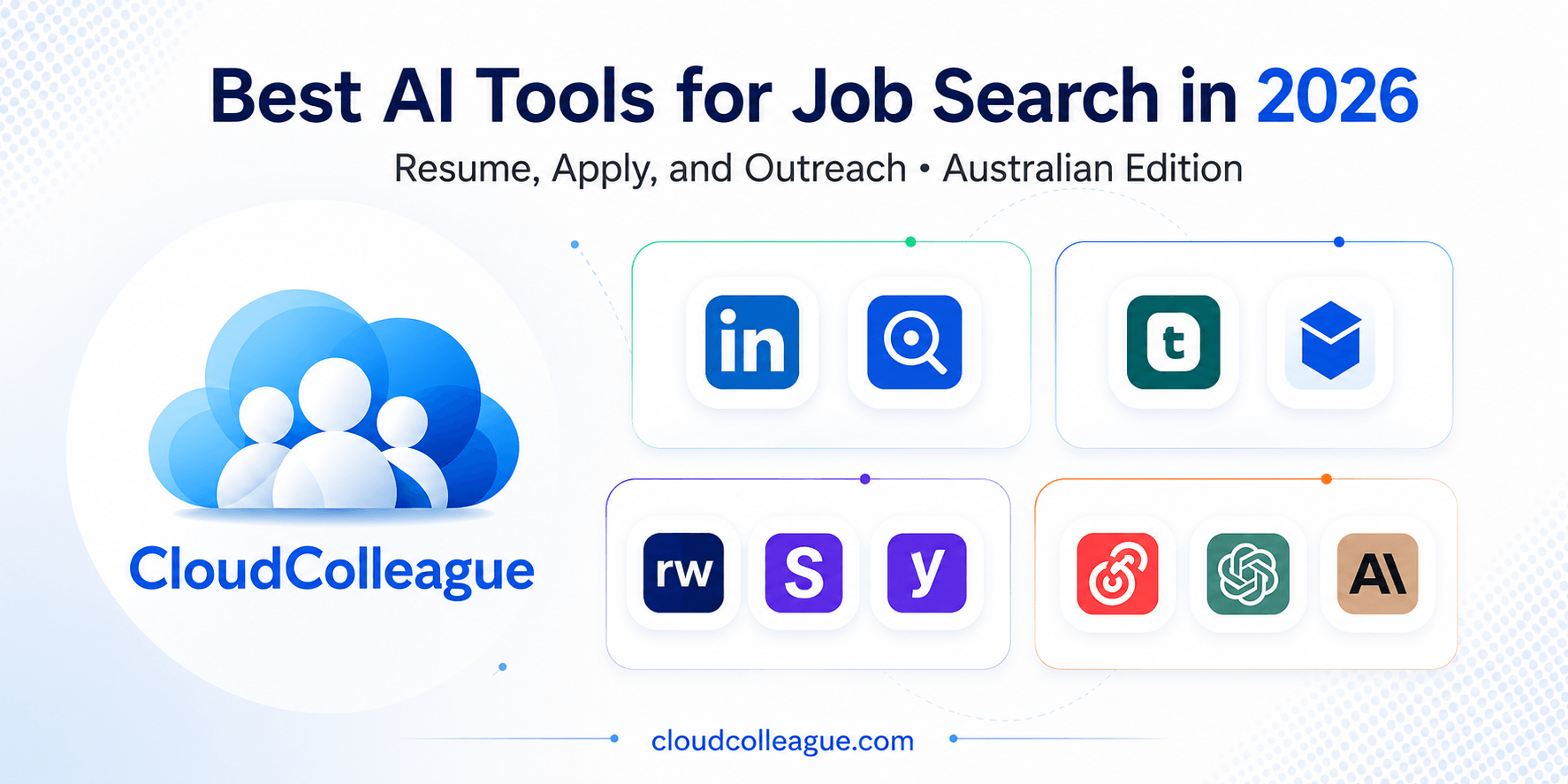
The best AI tools for job search in 2026 are not the ones that apply to 100 jobs per day on your behalf. They are the ones that help you apply to the right 10 jobs per week with materials that actually land interviews.
According to LinkedIn, 39% of job seekers already use AI tools in their search. The candidates who use them most effectively are not the ones automating the most. They are the ones using the right AI tool at the right stage of their search, with human judgment applied before anything is submitted.
In this guide, we organise the best AI tools for job search by stage: discovery, resume building, ATS optimisation, applying, and outreach. Each stage has a different best tool. No single platform does everything well, and trying to use one tool for everything is one of the most common and costly mistakes in modern job searching.
The best AI tool for job discovery is a platform that already matches roles to your skills. CloudColleague AI-matches Australian professionals to verified employers across every industry. Browse roles right now.Browse AI-matched roles on CloudColleague
The Four Stages of a Job Search (And Which AI Tools Serve Each)
Before any tool comparison, here is the framework that makes the rest of this article useful.
A job search has four distinct stages, and each stage requires different capabilities from your AI tools.
Stage 1: Discovery means finding the right roles to apply to. The best AI tools here use intelligent matching to surface opportunities you might not have found through keyword search alone.
Stage 2: Resume building means creating tailored, compelling application documents for each role. The best AI tools here help you reframe your experience in the language of the target role without making you start from scratch for every application.
Stage 3: ATS optimisation means ensuring your resume passes automated screening before a human reads it. The best AI tools here identify specific keyword gaps and formatting issues that prevent your resume from reaching a recruiter.
Stage 4: Applying and outreach means submitting applications and contacting recruiters directly. The best AI tools here reduce repetitive form-filling and help you write personalised messages that get responses.
Using a keyword optimiser at the discovery stage wastes time. Using a mass auto-apply tool at the outreach stage risks your professional reputation. The rest of this article explains which tool does what, and how to combine them effectively.
Read Next: Best Job Tracker App in 2026: Tested and Ranked for Australian Job Seekers
An Important Warning About Auto-Apply AI Tools
Before any recommendations, there is a risk that no competitor article in this space addresses clearly enough.
Why Mass Auto-Apply Tools Often Backfire
Several AI tools in 2026 promise to apply to hundreds of jobs per day on your behalf automatically. LazyApply, Sonara, AIApply, and similar platforms operate on this model. The appeal is obvious. The risks are real and frequently undisclosed.
LinkedIn actively detects and restricts accounts that use automated bulk-apply behaviour. Repeated automated activity on your LinkedIn profile can result in temporary or permanent restrictions, removing access to the platform that powers most professional job searching.
Mass applications to roles without individual tailoring produce a low response rate that signals to recruiters at your target companies that you apply indiscriminately. A recruiter who sees your name appear on multiple untailored applications from the same automated submission is less likely to engage when you apply properly to a role you genuinely fit.
Many auto-apply tools submit applications without giving you the opportunity to review whether the role is actually appropriate, whether the resume version submitted is tailored, or whether the application portal requires specific information the auto-tool may have filled incorrectly.
When Automation Is Appropriate
Automation adds genuine value for repetitive, low-stakes tasks: saving job listings from job boards, autofilling standard personal information fields on application forms, scheduling follow-up reminders, and generating first-draft cover letters that you then personalise before submitting.
Every tool recommended in this article falls into this category of appropriate automation. None of them submit applications without your review and approval.
Stage 1: Job Discovery – Best AI Tools for Finding the Right Roles
CloudColleague: Best for AI-Matched Australian Roles
For Australian job seekers, CloudColleague is the most directly relevant AI discovery tool available. Its matching algorithm surfaces roles from 18,000 or more verified Australian employers based on your skills profile rather than keyword searches. This means you appear in relevant searches even when your most recent job title does not exactly match the posted role.
The platform covers roles across tech, engineering, business, admin, health, trades, and more. It also includes task-based opportunities that allow freshers and career changers to build a documented professional track record faster than waiting for traditional roles to open.
For any Australian job seeker, having a complete CloudColleague profile running alongside your active applications adds a passive discovery layer that most job search strategies miss entirely.
What it does well for discovery:
- AI matching based on skills profile, not keyword search
- 18,000 or more verified Australian employers across every industry
- Full-time, part-time, and task-based opportunities
- Built-in application management reduces need for a separate tracker
- Free to create a seeker profile and apply
LinkedIn AI Job Recommendations
LinkedIn’s AI job matching has improved significantly in its 2025 and 2026 updates. The platform now infers skill adjacencies: a candidate who lists Python and pandas in their skills section is surfaced for data science roles even if their job titles do not explicitly match. For Australian job seekers targeting professional and senior roles, LinkedIn’s reach makes it a necessary discovery channel alongside SEEK and CloudColleague.
Enabling Open to Work for recruiters only, completing your skills section with verified endorsements, and engaging regularly with industry content all feed the matching algorithm and increase your inbound visibility.
JobRight AI: Best for Role Matching Without Auto-Apply Risk
JobRight analyses your profile and recommends roles with compatibility insights but does not automate submissions. This makes it the most responsible AI discovery tool for candidates who want intelligent matching without the account restriction risks of mass auto-apply platforms.
Stage 2: Resume Building – Best AI Tools for Creating Tailored Materials
Teal: Best for Keyword Gap Analysis Per Role
Teal’s keyword gap analysis is the most useful single feature for resume tailoring at scale. Save a job description from SEEK or LinkedIn via the Chrome extension, and Teal compares your resume against that specific role. It surfaces the exact keywords you are missing and flags where in your document to incorporate them naturally.
For Australian job seekers, the SEEK Chrome extension compatibility makes this the most directly relevant resume AI tool in the market. The analysis is specific to the saved job description rather than generic industry terms, which means the recommendations are immediately actionable for each individual application.
The free tier provides unlimited job tracking and keyword gap analysis. The paywall appears when you need AI-generated bullet point suggestions and full resume tailoring credits. For most targeted job searches, the free tier covers the most valuable features.
What it does well:
- Keyword gap analysis per saved SEEK or LinkedIn job description
- Chrome extension that captures SEEK listings in one click
- ATS-safe single-column resume templates
- Unlimited free tracking and keyword analysis
Genuine limitation: AI-generated bullet point suggestions follow predictable structures and need significant manual editing to sound like a specific individual rather than a template.
Kickresume: Best Free AI for Rewriting Bullet Points
Kickresume’s GPT-4 powered AI writer is the most capable free tool for translating duty-focused language into achievement-focused language. This is the most common writing problem in fresher and mid-career resumes, and Kickresume addresses it directly.
Type “managed social media accounts for the department” and the AI suggests “grew department LinkedIn following by 340% over six months through a consistent content calendar, increasing inbound enquiry volume by 22%.” The translation from task description to quantified achievement is the key capability, and it works faster and more accurately than starting from scratch in ChatGPT.
What it does well:
- GPT-4 AI converts duty descriptions into achievement-focused bullet points
- Career-specific prompts adapt to your target job title
- Free plan provides enough AI credits for most single-resume projects
ChatGPT or Claude: Best for Custom Tailoring and Cover Letters
General-purpose AI models are the most flexible tools for resume tailoring and cover letter generation. The difference between useful and generic output is entirely in the prompt. A generic prompt produces a generic cover letter. A detailed prompt that includes the full job description, your specific relevant achievements, the company’s recent news, and the tone you want produces a strong first draft in under two minutes.
For cover letters in particular, ChatGPT and Claude outperform every specialist resume tool tested. They can reference specific details from the job posting, mirror the company’s language, and frame your background in terms that address the employer’s stated needs.
Always edit AI-generated cover letters before submitting. Remove any phrases that sound templated. Add one or two specific, personal details that the AI could not know. The goal is a document that sounds like you wrote it with AI assistance, not one that was clearly written by AI without human input.
Both tools are accessible from Australia at no cost on their base plans.
Stage 3: ATS Optimisation – Best AI Tools for Passing Automated Screening
Resumeworded: Best for Line-by-Line Feedback
Resumeworded’s free tier delivers the most specific ATS feedback of any tool tested. The targeted resume feature accepts any job description, including those copied from SEEK, and surfaces the specific keywords your resume is missing with context on where to place them.
The line-by-line bullet point scoring is the strongest differentiator. It flags passive verbs such as “responsible for” and “assisted with,” identifies bullet points that lack a measurable result, and suggests directions for stronger rewrites. For a job seeker whose resume describes duties rather than outcomes, this feedback is immediately actionable.
Five full targeted resume reviews per month are available at no cost. For most active searches, this is enough to check your resume against each major application before submitting.
What it does well:
- Line-by-line scoring flags passive language and missing metrics throughout
- Keyword gap analysis accepts SEEK job descriptions as plain text
- LinkedIn profile grading included at no extra cost
- Five full reviews per month on the free plan
Jobscan: Best for Legacy ATS Keyword Matching
Jobscan remains the most precise tool for keyword-density matching against older ATS platforms. Its database of more than 100 ATS systems includes Workday, Taleo, SAP SuccessFactors, and iCIMS, and it adjusts its recommendations based on which system a target employer is known to use.
For Australian job seekers targeting large corporate employers in banking, mining, government, and professional services that run legacy ATS platforms, Jobscan’s platform-specific scoring adds genuine value that general ATS checkers cannot replicate.
However, there is a significant caveat for 2026. Modern ATS platforms including Greenhouse and Lever, which are the standard at most Australian tech companies and growth-stage startups, use semantic matching rather than keyword-density scoring. For these platforms, contextual relevance and writing quality matter more than keyword frequency. Jobscan’s keyword-density focus is less effective, and sometimes counterproductive, for applications to companies using these newer systems.
Use Jobscan for traditional enterprise applications. Use Resumeworded for applications to tech companies and modern employers.
Pricing in AUD: Approximately AUD $75 per month at current exchange rates for the full subscription.
AI tools optimised and resume ready. Now find the right Australian roles to apply to. Browse AI-matched jobs on CloudColleague across tech, admin, health, and more. Roles as First Time in Australia.
Stage 4: Applying and Outreach – Best AI Tools for Submissions and Recruiter Contact
Simplify: Best for Autofill Without Auto-Apply Risk
Simplify’s Chrome extension autofills application fields across more than 100 employer portals, including Workday, Greenhouse, iCIMS, and Lever. These are the most common application portals among large Australian employers in banking, professional services, technology, and resources.
The critical distinction between Simplify and mass auto-apply tools is that you control which jobs you apply to. Simplify handles the form-filling on the portals you direct it to. It does not scan job boards and submit applications while you sleep. This means you avoid the account restriction risks associated with mass automation while still eliminating the most time-consuming repetitive task in any high-volume application process.
The core autofill and tracking features are genuinely free with no application cap.
What it does well:
- Autofill on 100 or more employer portals used by Australian corporate employers
- SEEK job saving via Chrome extension
- You control submissions: no mass auto-apply risk
- Free for core features with no application limit
ChatGPT or Claude: Best for Personalised Recruiter Outreach
AI-generated recruiter messages on LinkedIn have become so common in 2026 that generic AI outreach is increasingly ignored by experienced recruiters. The candidates who get responses are the ones who use AI as a drafting tool for personalised messages rather than a generator of templates sent unchanged.
The difference is specific detail. A generic AI message says “I am very interested in opportunities at your company and believe my background in [field] aligns well with your needs.” A personalised AI message says “I noticed you recently placed three data analysts at Atlassian, which is exactly the type of role I am targeting after completing a Python data analytics certification alongside my finance background. I would appreciate a brief conversation about any upcoming opportunities.”
Use ChatGPT or Claude to draft the message, then add the specific detail that makes it sound genuinely researched. This takes three minutes per message and produces dramatically higher response rates.
Practical applications:
- LinkedIn connection request messages referencing specific recruiter activity or company news
- Follow-up emails after submitting an application, referencing specific role requirements
- Post-interview thank-you messages that reference specific points from the conversation
- Cold outreach to hiring managers at target companies
Yoodli: Best for Interview Delivery Practice
Yoodli analyses your spoken interview answers for filler words, speaking pace, answer structure, and content relevance. For candidates whose challenge is delivery fluency rather than content knowledge, this speech-focused feedback addresses the gap that text-based AI tools cannot reach.
The tool provides role-specific interview questions, records your spoken answers, and scores them immediately. For Australian job seekers in time zones where peer practice tools like Pramp have less availability, Yoodli’s asynchronous practice format is particularly practical.
What it does well:
- Real-time filler word detection and pacing analysis
- Role-specific question sets
- Free plan with limited session credits
- Best paired with one or two Pramp peer sessions for complete preparation
The Recommended AI Stack for Australian Job Seekers in 2026
Rather than using every tool mentioned in this article, the most effective approach is a focused stack of four tools that cover each stage without overlap or duplication.
Discovery: CloudColleague for AI-matched Australian roles plus LinkedIn for professional and senior roles. Save target roles to Teal via the Chrome extension as you find them.
Resume building: Teal for keyword gap analysis per saved role, identifying exactly what each job description requires that your resume currently lacks. ChatGPT or Claude for cover letter drafts and bullet point rewrites. Always edit AI output before submitting.
ATS optimisation: Resumeworded for line-by-line feedback on the free plan. Jobscan added only if you are applying to large Australian corporates known to use Workday or Taleo specifically.
Applying and outreach: Simplify for autofill on employer portals. ChatGPT or Claude for personalised recruiter messages. Yoodli for interview delivery practice in the week before your scheduled interviews.
Total stack cost: Free to approximately AUD $75 per month depending on whether Jobscan is needed. For most Australian job seekers, the free tiers of Teal, Resumeworded, Simplify, and CloudColleague cover the majority of use cases at zero cost.
Best AI Tools for Job Search: Head-to-Head by Stage
| Tool | Primary Stage | SEEK Compatible | Free Plan | Australian Market Fit | Verdict |
| CloudColleague | Discovery | Native platform | Free to join | Best | Australian first choice |
| LinkedIn AI | Discovery | N/A | Free basic | Strong | Essential alongside SEEK |
| Teal | Resume building | Yes (Chrome ext) | Unlimited tracking | Strong | Best free keyword analysis |
| Kickresume | Resume building | No | Yes (limited AI) | Good | Best free bullet rewriter |
| ChatGPT or Claude | Resume and outreach | N/A | Free base plan | Strong | Most flexible AI assistant |
| Resumeworded | ATS optimisation | Yes (paste text) | 5 reviews/month | Strong | Best free line-by-line feedback |
| Jobscan | ATS optimisation | Limited | 5 scans/month | Good for legacy ATS | Best for enterprise applications |
| Simplify | Applying | Yes (Chrome ext) | Unlimited autofill | Strong | Best safe autofill tool |
| Yoodli | Interview prep | N/A | Limited credits | Good | Best speech delivery tool |
What Australian Job Seekers Specifically Need to Know
SEEK compatibility is the most important criterion when evaluating any AI tool not in this list. CloudColleague, Teal, Huntr, Simplify, and Resumeworded all support SEEK in some form. Before committing to any AI job search tool you encounter elsewhere, confirm SEEK functionality explicitly. Most tools are built around LinkedIn and US-based job boards.
LinkedIn outreach norms in Australia reward specificity. Australian recruiters respond better to concise messages referencing a specific recent placement, a shared connection, or a particular company development than to generic interest expressions. AI-drafted outreach that includes one or two specific, researched details produces significantly higher response rates than any template.
Government and public sector applications in Australia are not well-served by current AI tools. Selection criteria responses require a specific format and depth that AI tools handle poorly without substantial human direction and careful editing. Use AI as a first-draft assistant for these applications, then rewrite extensively to meet the specific criteria format required.
CloudColleague’s AI matching is calibrated to the Australian market. A complete skills-based profile on CloudColleague adds a passive discovery layer that complements your active AI-assisted applications through SEEK and LinkedIn. For any job seeker whose search includes Australian employers, maintaining an active CloudColleague profile alongside your AI tool stack maximises your total market visibility.
AI stack built. Now find verified Australian roles worth applying to. Create a free profile on CloudColleague and get AI-matched to employers actively hiring in your field right now.Get started free on CloudColleague
Hiring and need strong candidates? Post a role or task in under five minutes on CloudColleague. Smart matching surfaces pre-vetted professionals across every Australian industry. Start hiring on CloudColleague
Frequently Asked Questions
The best tools depend on your stage of the search. CloudColleague and LinkedIn work well for job discovery. Teal and Kickresume help with resume building, while Resume Worded and Jobscan improve ATS optimisation. Simplify speeds up applications, and ChatGPT or Claude help create personalised recruiter messages.
Mass auto-apply tools can harm your chances. LinkedIn may restrict automated behaviour, and untailored applications can damage your reputation with recruiters. Safer tools focus on autofill, job saving, and draft generation while letting you review applications before submission.
Yes. ChatGPT can draft cover letters, improve resume bullet points, create recruiter outreach messages, and generate interview questions. Always edit the output before sending, since recruiters can recognise generic AI-written content.
Teal, Huntr, Simplify, and Prentus support saving SEEK listings through Chrome extensions. Resume Worded analyses SEEK job descriptions, while CloudColleague provides AI job matching built for Australian users.
Personalisation matters most. Add details AI cannot know, such as a recruiter’s recent placement, company news, a shared connection, or a specific achievement from your experience. Even one personalised sentence makes outreach far more effective than a generic AI template.