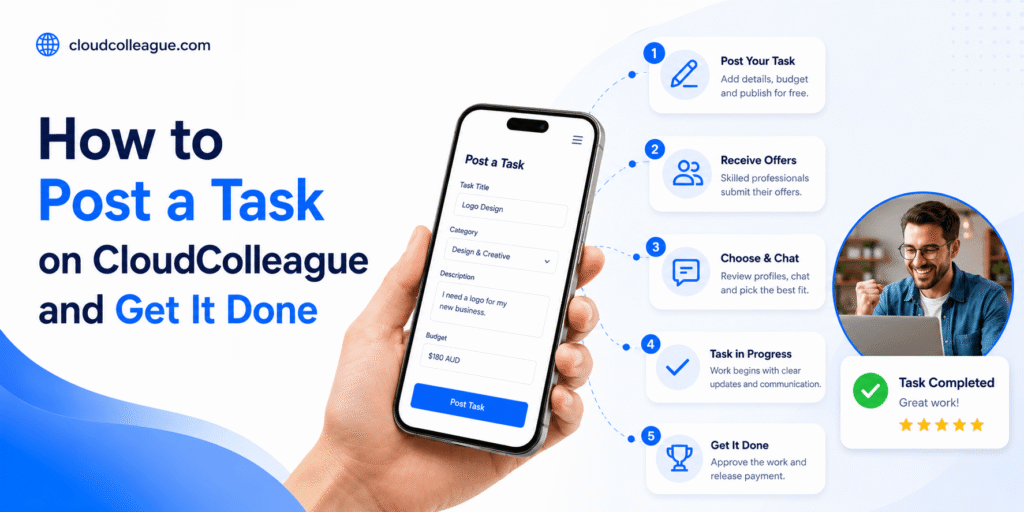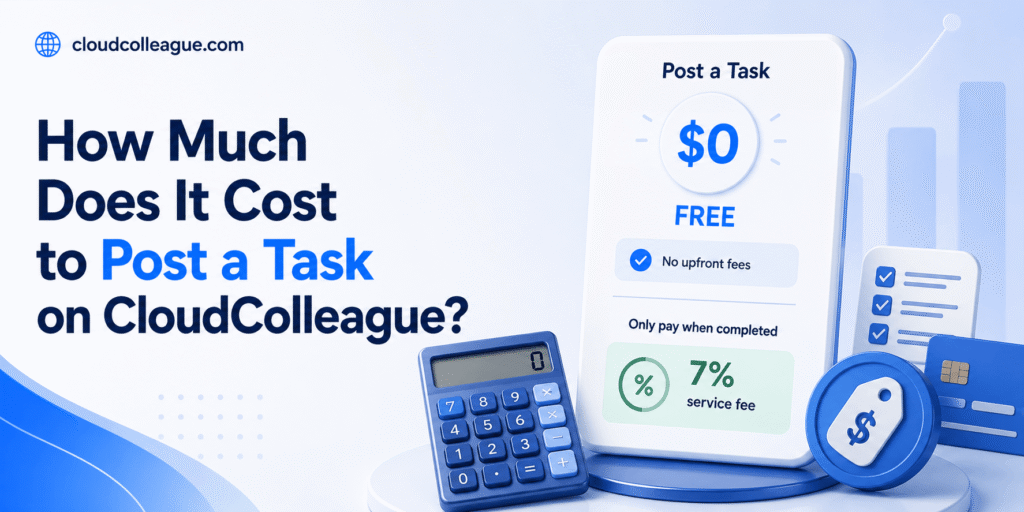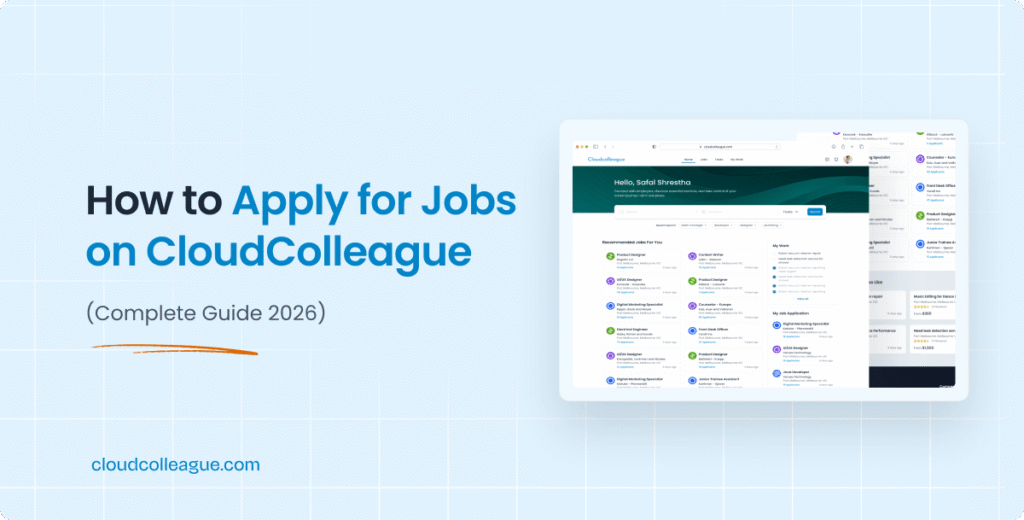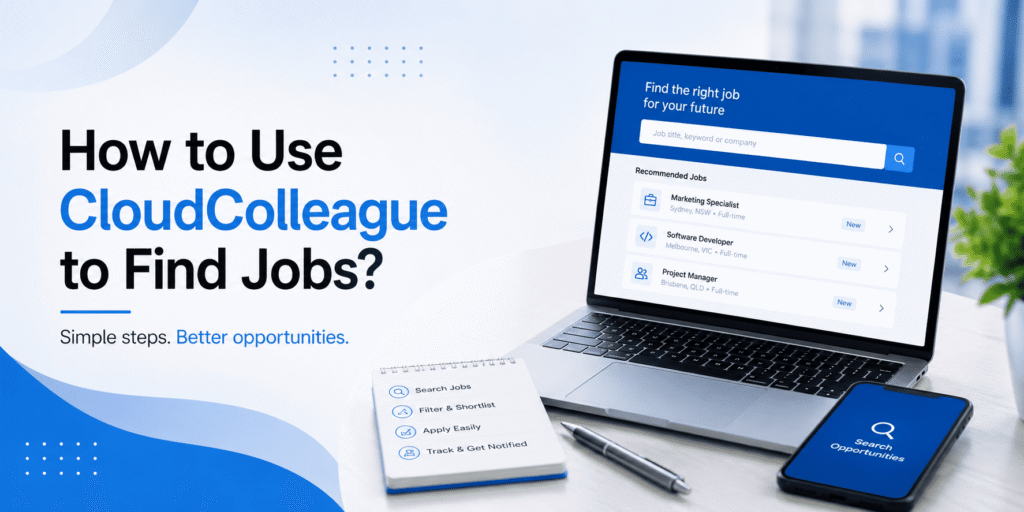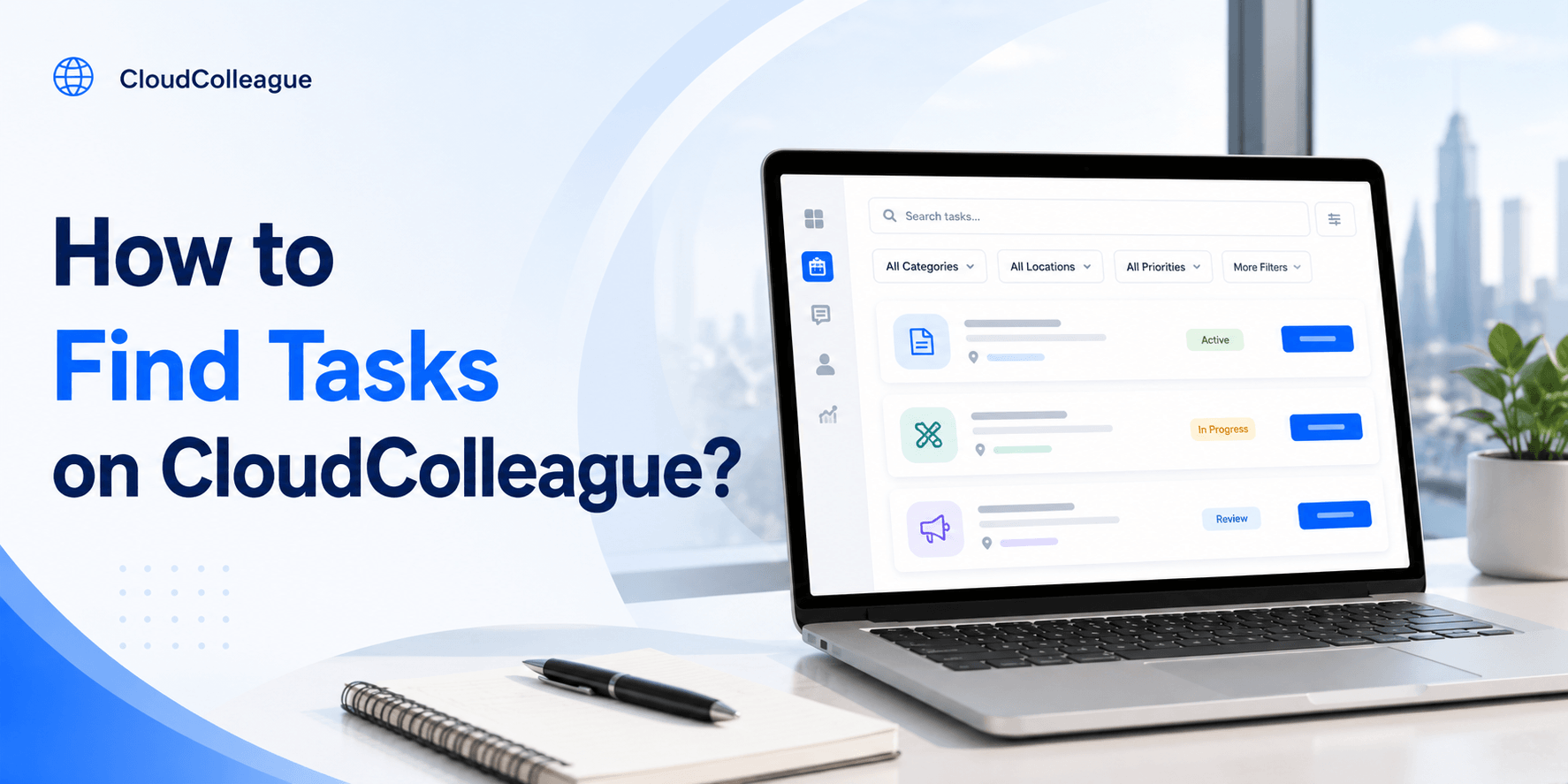
To find tasks on CloudColleague, search by keyword, filter by category, location, and pay, then pick the tasks that fit your skills and schedule. The platform is built to surface relevant, paid work fast, so you spend less time searching and more time earning. This guide shows you exactly how to find, filter, and win tasks today.
Finding tasks is free, and the smarter your filters, the better your matches. Let us walk through the quickest path to the right work, then the filter and alert tactics that put you ahead of slower applicants.
| QUICK ANSWER: To find tasks on CloudColleague, search by keyword, filter by category, location, and pay, then pick the tasks that fit your skills and schedule. Finding and browsing tasks is free. Saved searches and alerts surface new matches automatically, so you can apply first and win more often. You only pay a flat 7 percent fee on completion. |
How to Find Tasks on CloudColleague? (Quick Steps)
Four quick steps take you from browsing to your first match. Add one annotated screenshot per step in the published article to support the HowTo schema.
- Step 1: Search by keyword for the task type you want.
- Step 2: Filter by category, location, and pay range.
- Step 3: Open promising tasks and check the brief and budget.
- Step 4: Apply with a clear, tailored offer.
Search by keyword
Type the task type, such as cleaning, removals, or data entry, into the search bar. Keyword search is the fastest way to jump straight to relevant tasks. Use specific terms to narrow your results quickly, since broad searches return more than you can sort through.
Filter by category, location, pay
Apply filters to remove tasks that do not suit you. Filter by category to match your skills, by location to limit travel, and by pay to protect your rate. Good filtering turns a long, noisy list into a short shortlist you can act on fast.
Read Next: How to Avoid Task Scams Online?
How to Use Filters Like a Pro?
Filters are the difference between scrolling endlessly and finding the right task in seconds. Used well, they keep your feed full of jobs you can actually win and profit from. The cheat sheet below shows what each filter does and when to reach for it.
| Filter | What it does | When to use it |
| Category | Shows tasks in your skill area | Always, to stay relevant |
| Location | Limits tasks to your area | For in-person tasks |
| Pay range | Hides low-value tasks | To protect your rate |
| Date posted | Surfaces fresh tasks | To apply first |
| Task type | Splits one-off vs ongoing | To match your goal |
Combine filters rather than using one at a time. A category plus location plus minimum pay filter instantly produces a tight list of tasks worth your effort.
| Ready to make task-based work easier? Explore our Guides on Tasks to learn how task postings, how bidding works, payments, and successful applications work before you take on your first job. |
How to Pick the Right Tasks for You?
Winning starts with choosing well. Target tasks you can deliver confidently and profitably, not just anything you can technically do.
Match skills and schedule
Pick tasks that match what you do best and when you are free. A task that fits your skills earns better reviews, and one that fits your schedule keeps your week realistic. Avoid stretching into work you cannot deliver on time, since a rushed job risks the rating that wins your next ten tasks.
How to Get Tasks Faster?
Speed and visibility win more tasks. Set yourself up to act first, before slower applicants even see the job.
Alerts, saved searches, fast replies
Save your common searches and switch on alerts, so new matches reach you instantly. Then reply fast with a tailored offer. Being first with a credible offer is one of the strongest advantages you have, especially early on.
How to Set Up Task Alerts That Work?
Good alerts bring the right tasks to you instead of you hunting for them. Set them up with intent rather than casting too wide a net.
- Save a search for each category you can deliver well.
- Add a location radius so you only get reachable tasks.
- Set a minimum pay so low-value tasks stay out of your feed.
- Enable notifications so you can bid within minutes.
Tuned this way, your alerts become a steady stream of relevant, profitable tasks, and you spend your time bidding rather than browsing.
After You Find a Task: What Happens Next
Once you find a task, the path to payment is simple and secure.
Apply, get hired, get paid
Send your offer, get assigned, and complete the work. The client’s payment is secured up front and released once the task is approved. Funds reach your account within one to three business days, and a strong review sets up your next win.
Ready to apply well? Read how to apply for tasks, or browse live tasks now.
A Day of Finding and Winning Tasks
Here is how an organised tasker uses these tools in practice. Aisha, a Perth tasker, checks her alerts over morning coffee and sees three new cleaning tasks within her saved radius.
She opens the best-paying one, reads the brief, and sends a tailored offer naming the suburb and her availability, all within five minutes. By mid-morning she is assigned, and because she batched it with an existing afternoon job nearby, her travel time stays low. That combination of tuned alerts, fast replies, and smart batching is what keeps her calendar full without endless scrolling.
Common Search Mistakes to Avoid
A few simple habits stop taskers from finding good work. Avoid these and your feed improves almost immediately.
- Setting your location radius too small, which hides reachable tasks.
- Filtering to a single category when you can deliver two or three.
- Ignoring alerts and only browsing once a day, so you bid late.
- Skipping the brief and applying generically, which lowers your win rate.
- Setting an unrealistic minimum pay that filters out most available work.
Fixing these is usually enough to turn a quiet feed into a steady flow of tasks worth bidding on.
| Ready to start real verified tasks? Create a free profile on CloudColleague, start as a seeker and start building your earnings from day one. |
Frequently Asked Questions
Search by keyword for the task type you want, then filter by category, location, and pay. Open promising tasks to check the brief and budget, and apply with a clear offer. Saved searches and alerts surface new matches automatically, so relevant tasks reach you faster.
Use the category filter to show only tasks in your skill area, such as cleaning, removals, or admin. Combine it with location and pay filters to build a short, relevant shortlist. Filtering well saves time and helps you target tasks you can win and deliver confidently.
Save your common searches, switch on alerts, and reply to new tasks within minutes. Being first with a tailored, credible offer is a major advantage, because posters often hire the earliest strong applicant. A complete, well-rated profile also helps your offers stand out and get accepted.
Yes, finding and browsing tasks on CloudColleague is free. You only pay a flat 7 percent fee on completion once you have earned from a task. There are no charges to search, filter, or apply, so you can explore available work with no upfront cost.
Task alerts notify you when new tasks match your saved searches, based on category, location, and pay. They let you bid within minutes of a task being posted, which is a major advantage. Tuning each alert to your skills and area keeps your feed full of relevant, profitable work.
If few tasks appear, your filters may be too narrow, your location radius too small, or your category quiet that week. Widen your radius, check a second category you can deliver, and confirm your filters are not excluding good jobs. Alerts also help you catch tasks as they post.
Yes, you can save tasks and searches to revisit them, though fast tasks are often best applied to quickly. Saved searches with alerts are the most effective approach, since they bring new matches to you. For competitive tasks, applying within minutes usually beats saving for later.