Traditional interviews come with too much friction. You chase calendar links, juggle different tools, and trade endless emails just to find a time. The CloudColleague interview process removes all of that. It keeps applications, scheduling, the interview, and the record in one connected place.
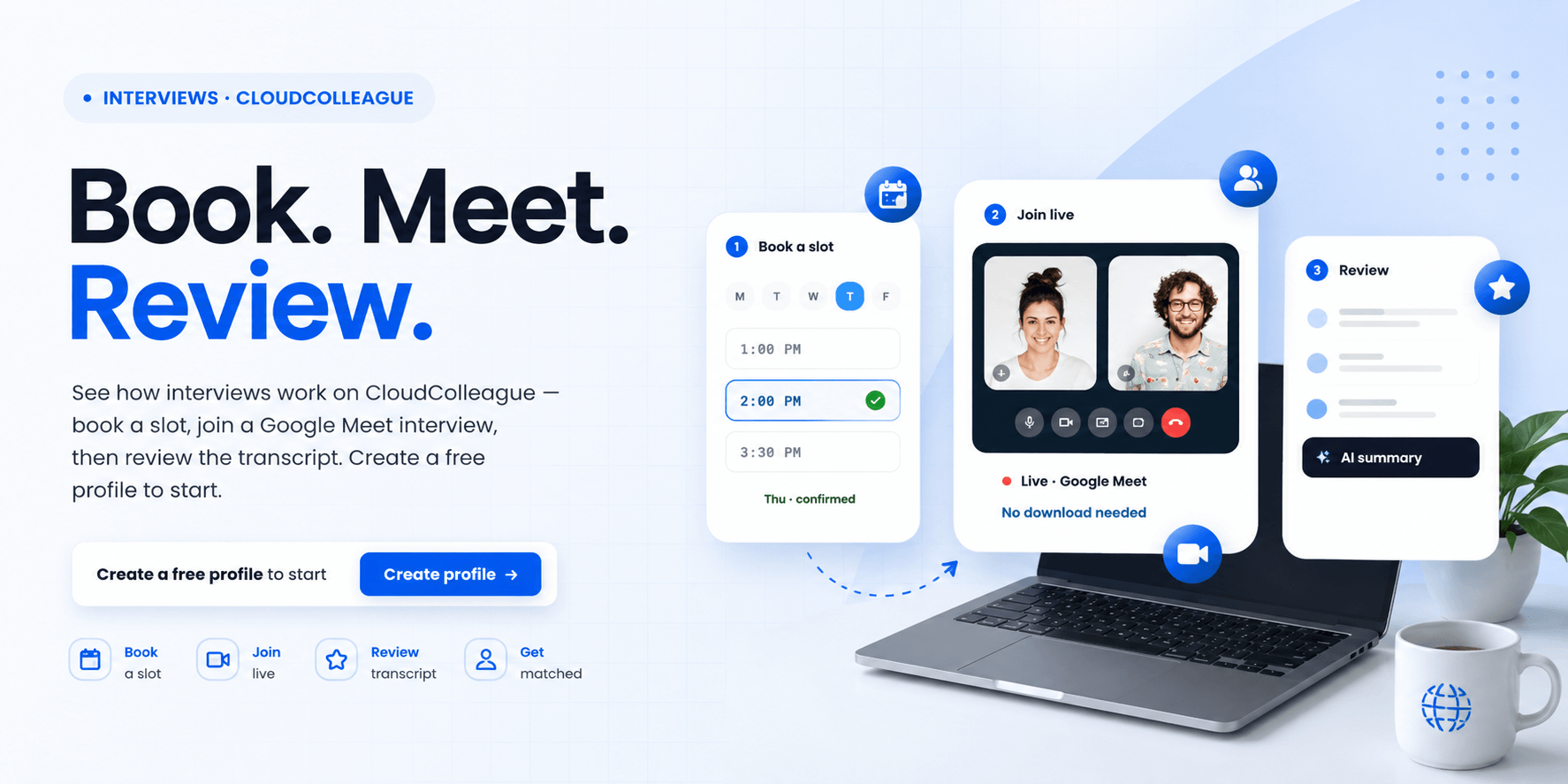
So instead of scattered steps, you get one smooth workflow. You apply, book a time that suits you, join the interview, and review a transcript afterward. This guide walks you through exactly how it works, step by step. By the end, you will know how to go from applying to interviewing without the usual hassle.
| Ready to start? Create your free CloudColleague profile and get matched to roles. |
What Makes the CloudColleague Interview Process Different?
Most job searches scatter the process across many tools. CloudColleague brings it together instead. Everything from your application to the final decision stays in one connected workflow.
The interviews themselves run on Google Meet, launched directly from the platform. So you never hunt for a link or download another app. Better still, each session is transcribed automatically. That means you get a full record of the conversation to learn from, which most platforms simply do not offer.
How the CloudColleague Interview Process Works? (5 Steps)
The process is built to be simple and fast. It breaks into five clear steps for job seekers. Each one keeps you informed and in control.
Step 1: Browse and Apply
First, explore roles that match how you want to work. CloudColleague covers full-time jobs, flexible tasks, and service-based work in one place. Apply with your profile in a few clicks, without starting from scratch each time. You can browse matched roles here to begin.
Step 2: Choose an Interview Time Slot
Once an employer shortlists you, you choose your interview time. Simply pick a slot that suits your schedule from the available options. This removes the endless back-and-forth of scheduling emails. As a result, you lock in a time in seconds.
Step 3: Reschedule Easily if Needed
Life happens, and plans change. So if something comes up, you can adjust your booking easily. There is no awkward chain of messages to rearrange things. You simply select a new time that works.
Step 4: Join the Google Meet Interview
At the scheduled time, you join the interview directly from CloudColleague. The session runs on Google Meet, launched straight from the platform. So there are no lost links or last-minute tool problems. You just click and connect with the employer.
Step 5: Review Your Transcript
After the interview, you can review the full transcript of your session. This record helps you reflect on your answers honestly. You can see what worked and what to improve next time. Over several interviews, that feedback loop makes you noticeably stronger.
| Want to skip interviews? CloudColleague also provides professionals with an option for freelance tasks. Go through guides on tasks and how bidding works to learn more about online and freelance tasks. |
Why Built-In Google Meet Interviews and Transcripts Help You?
This setup is built to make your experience easier and fairer. So it benefits you at every stage. Three advantages stand out.
First, you avoid juggling tools, since scheduling and interviews stay in one workflow. Second, you see your progress clearly as employers review and move applications forward, rather than facing a silent black box. Third, the transcript gives you something rare: a way to learn from each interview. Together, these features turn a stressful process into a manageable one.
| Are you actively hiring? Start as an employeron CloudColleague and start hiringtoday. |
How to Get an Interview on CloudColleague?
Getting shortlisted starts with a strong profile. So make yours complete and verified, because that helps the platform match you faster. The more detail you add, the better your matches become.
A complete profile signals to employers that you are a serious, credible candidate. So fill in your skills, experience, and availability fully. For a step-by-step walkthrough, see our guide on how to create your CloudColleague resume profile. Then let the matching surface roles that fit you.
How to Prepare for Your CloudColleague Interview?
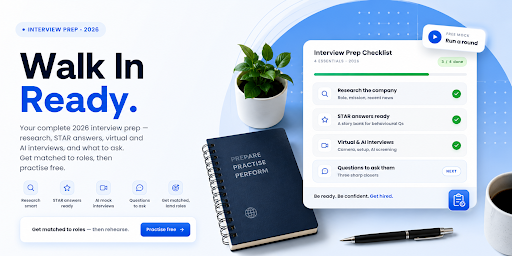
A great setup still needs good preparation. So get ready before the day. Research the role, practise your answers, and prepare your video space.
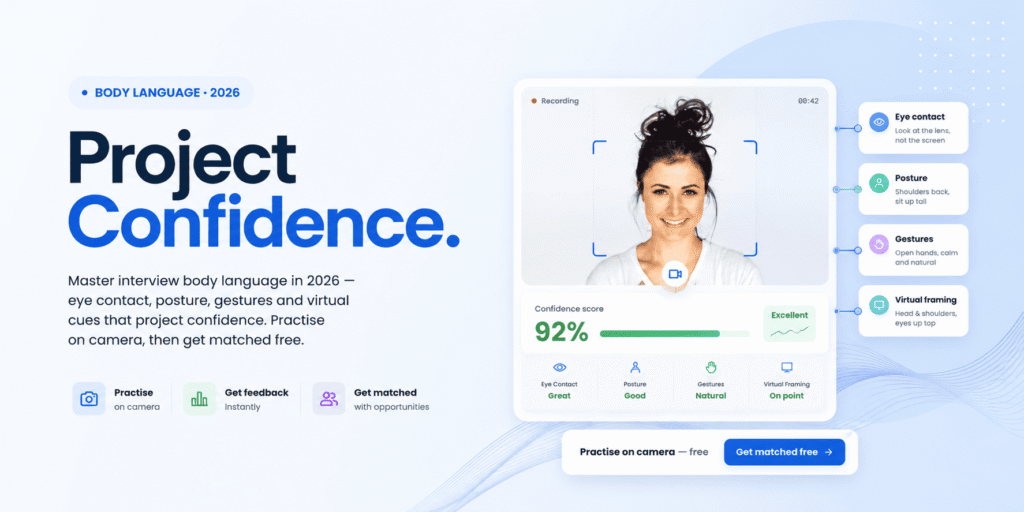
Since the interview runs on Google Meet, treat it like any professional video call. Test your camera, lighting, and connection in advance. For a full plan, see our guide to interview preparation. For quick, high-impact advice, see our best interview tips.
Read Next: How to Prepare for a Job Interview in 2026? (Complete Guide)
After Your Interview
The process does not end when the call closes. So make the most of what comes next. Review your transcript to reflect on your performance.
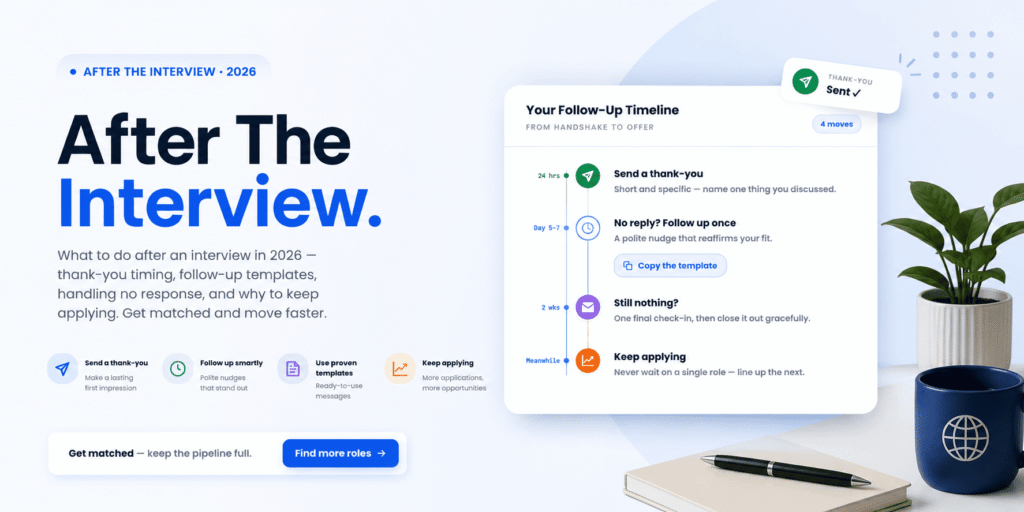
Then follow up professionally, and keep applying to other roles to stay in motion. One interview is never a guarantee, so momentum matters. For the full follow-up plan, see our guide on what to do after an interview.
Read Next: What to Do After an Interview in 2026?
Start Interviewing on CloudColleague
Here is the bottom line. The CloudColleague interview process gives you one connected workflow, easy scheduling, Google Meet interviews, and transcripts to learn from. It is free to join, and it puts you in front of Australian employers who are hiring now.
So you spend less time on admin and more time interviewing. Explore the full platform features to see how it all connects. If you are new to the country or the local market, our guide for those starting their first job in Australia can help you get ready.
The CloudColleague interview process makes interviewing simpler from start to finish. You apply, book a slot, join a Google Meet interview, and review the transcript, all in one place. So there is no tool-juggling and no guesswork. So take the first step today.
| Stop chasing links and start interviewing. Start as a Seeker on CloudColleague and start applying. |
Frequently Asked Questions
You apply to a matched role, and if shortlisted, you choose an interview time slot. At the scheduled time, you join a Google Meet interview from the platform. Afterward, you can review the full transcript.
Yes. Interviews run on Google Meet, launched directly from CloudColleague. You join from the platform without chasing links or switching tools, and each session is transcribed for you to review.
Yes. If your plans change, you can adjust your booking easily within the platform. You simply select a new available time, without a long chain of messages.
Yes. You can create a verified profile, get matched to roles, and join interviews for free. There is no cost to apply and interview through the platform.
Create and complete a verified profile, then apply to matched roles. A detailed profile helps employers shortlist you faster. Once shortlisted, you simply book your interview slot.