Basic computer skills for work are the single biggest barrier between many capable people and a first job, and the easiest one to remove. Almost every role now expects them, yet they are quick to learn and free to practise, which means a few focused weeks can transform how employable you are. For newcomers to Australia and anyone re-entering work, this is often the highest-value place to start.
This guide is a practical, beginner-friendly map of the computer skills employers actually expect, why each matters, and how to build them fast. It is written for true beginners, with no jargon. It links to the broader digital-skills guide when you are ready to go further.
| QUICK ANSWER: Basic computer skills for work include using email professionally, working in word processors and spreadsheets, managing files, and using online communication tools like video calls. Nearly every job in Australia now expects them, even non-office roles. The good news is they are quick to learn with free resources, and they open the door to a huge range of entry-level work. |
What Basic Computer Skills Do Jobs Require?
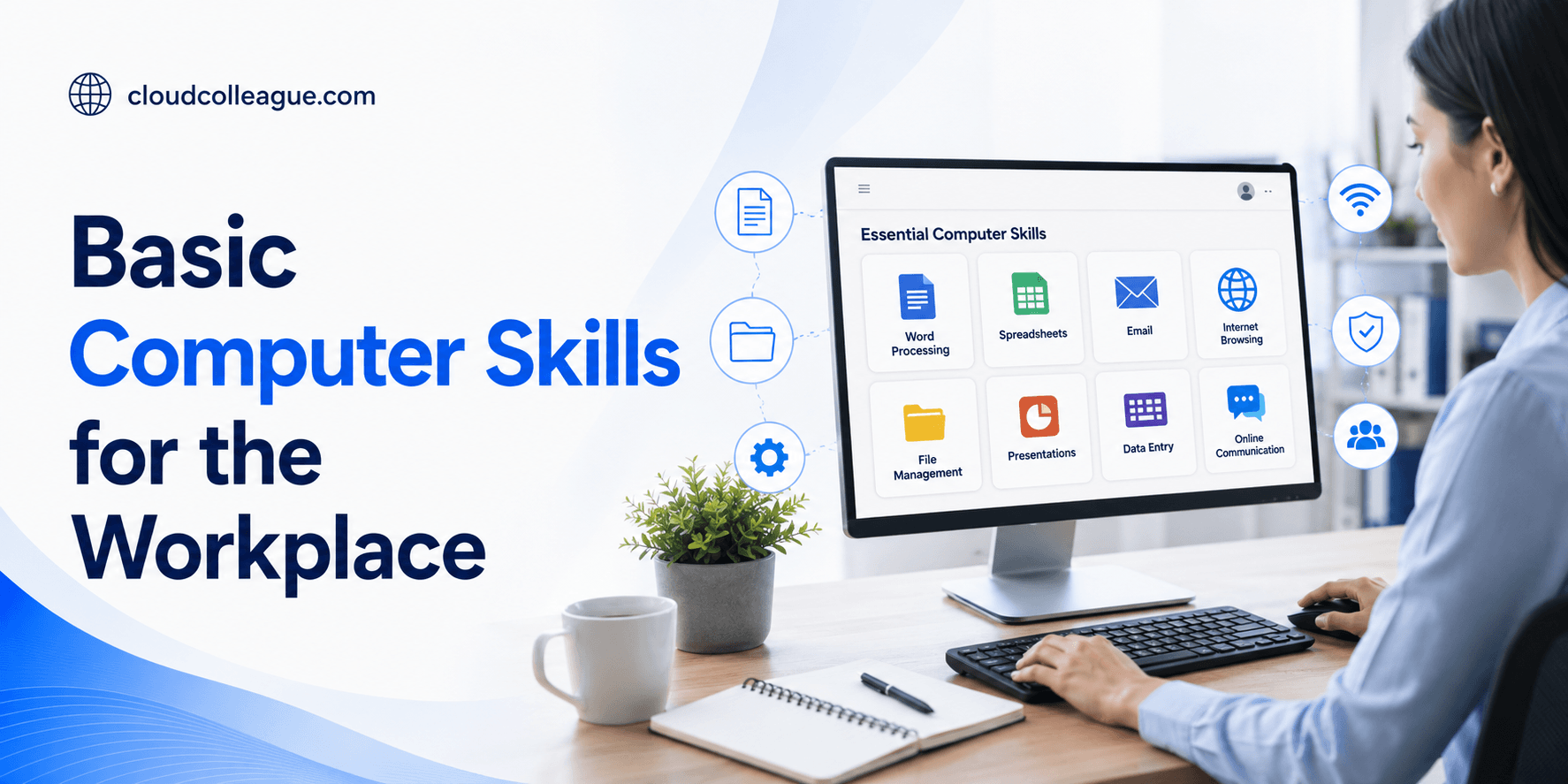
Most jobs expect a common core of computer skills, regardless of industry. Knowing the checklist tells you exactly what to focus on, so you are not overwhelmed by everything technology can do. The essentials are using email properly, working in documents and spreadsheets, managing files and folders, browsing the internet safely, and joining video calls and chat.
- Sending clear, professional emails and managing an inbox.
- Creating and editing documents in a word processor.
- Entering and reading information in a spreadsheet.
- Saving, naming, and finding files in folders.
- Using the internet safely and filling in online forms.
- Joining video calls and using chat tools.
If you can do these confidently, you meet the digital bar for a large share of entry-level roles. Everything beyond this is a bonus that makes you more competitive, but these are the non-negotiables.
| Want a head start? Start as a seeker on CloudColleague, go through our guide on skills and learning. |
Core Skills: Email, Office, Files
Three core skills underpin almost all office work: email, office software, and file management. Each is straightforward to learn and improves quickly with practice.
Email etiquette
Email is still the backbone of workplace communication, so using it well matters. The basics are a clear subject line, a polite greeting, a concise message that leads with the point, and a professional sign-off. For example, instead of a vague message with no subject, write a subject like Invoice query for order 1042 and state your question in the first line. Knowing how to attach files, reply to all appropriately, and keep your inbox organised rounds out the skill. Good email habits signal professionalism before you have said anything else.
Word processing and spreadsheets
Word processors like Microsoft Word or Google Docs and spreadsheets like Excel or Google Sheets are everyday tools in most jobs. In a word processor, you should be able to write, format, and save a document. In a spreadsheet, you should be able to enter data, use simple formulas like sums and averages, and read a basic table. For example, being able to build a simple expense list with a total, or format a tidy one-page document, covers what most entry roles need. These two tools alone unlock a great deal of work.
File management
File management is the quiet skill that keeps work from descending into chaos. It means saving files with clear names, organising them into folders, and being able to find them again quickly. For example, saving a document as ClientReport_March rather than Untitled1, in a clearly named folder, saves hours of frustration later. Employers notice when someone keeps their digital workspace orderly, because it signals reliability and care.
Online and Communication Tools
Modern work relies on online communication tools, so basic comfort with them is now part of the essentials. The main ones are video calls, such as Zoom or Google Meet, and chat tools, such as Slack or Microsoft Teams. You should be able to join a video call, mute and unmute, share your screen, and send messages in a chat tool.
For example, being able to join a video interview confidently, with your camera and microphone working, is itself a basic computer skill that can decide whether you get the job. These tools are simple once you have tried them a few times, so a little practice removes the nervousness that holds many beginners back.
How to Build Basic Computer Skills Fast?
Basic computer skills are among the fastest to build, because you can practice them immediately and free resources are everywhere. A focused approach gets you job-ready in weeks, not months.
Start by practising the core skills on real tasks: send proper emails, build a simple document and spreadsheet, and organise some files. Use the many free tutorials available online for any step you find tricky, and repeat until it feels natural. For example, set yourself a small project like making a simple monthly budget in a spreadsheet, which teaches several skills at once. Local libraries and community centres in Australia often offer free computer classes too, which can help if you prefer guided learning.
When you are ready to go further, our guide to digital skills for jobs shows the in-demand skills that lift you above the entry bar. Newcomers to Australia may also find our first time in Australia guide helpful for getting set up.
How to Show Basic Computer Skills on a Job Application?
Having the skills matters, but showing them clearly is what actually wins the role. On an application or profile, name the specific tools you can use rather than making a vague claim of being computer literate.
List the software you know, such as email, Word or Google Docs, and Excel or Google Sheets, and back it with a quick example where you can. For example, stating that you built and maintained a simple stock spreadsheet is far more convincing than the phrase computer literate. If you have done any course, even a free one, mention it. Specific, evidenced skills reassure an employer that you can start contributing from day one, which is exactly what they want from an entry-level hire.
Common Mistakes Beginners Make
A few avoidable mistakes hold beginners back. Each is easy to fix once you are aware of it.
- Sending emails with no subject line or an unclear one.
- Saving files with names like Untitled, then losing them.
- Avoiding spreadsheets instead of learning a few basics.
- Panicking on video calls instead of practising beforehand.
- Claiming to be computer literate without naming any tools.
Fixing these is quick, and doing so immediately makes you look more capable and professional to an employer or client.
Put Basic computer skills to Work on CloudColleague
Once you have the basic computer skills employers expect, a wide range of entry-level work opens up. CloudColleague is a straightforward place to put them to use, through roles and simple paid tasks you can start without years of experience.
Find jobs that need basic computer skills on CloudColleague
Employers are actively short of these skills. Browse the jobs marketplace for roles that reward basic computer skills, filter by category and location, and put a short, specific example on your profile. With shortages high, well-evidenced skills win interviews fast.
Earn doing tasks that use basic computer skills
Prefer to start earning today? Browse live tasks and pick up paid work that puts basic computer skills to use straight away. Tasks build the income and reviews that unlock higher-value work over time.
Create a profile and start applying
Set up a free profile on the sign-up page, list your skills with a line of evidence each, and start applying. A complete, specific profile consistently wins more interest from both employers and task posters.
Frequently Asked Questions
Improve your computer skills by practising them on real tasks, such as sending proper emails, building a simple spreadsheet, and organising files. Use free online tutorials for anything tricky, and repeat until it feels natural. A small project like making a monthly budget teaches several skills at once and builds confidence quickly.
Learn a word processor and a spreadsheet first, either Microsoft Word and Excel or the free Google Docs and Sheets, since they are used in most jobs. Being able to write and format a document, and enter data with simple formulas, covers what most entry roles need. Both Microsoft and Google options are widely accepted.
Nearly all jobs now require at least basic computer skills, including many non-office roles, because email, scheduling, and online systems are everywhere. Even trades and hands-on work involve digital tools for quotes, rosters, or communication. Building the basics makes you employable across a far wider range of roles in Australia.
Working on real tasks, like a simple document, spreadsheet, and organised files, accelerates it. Free online tutorials and local library classes can speed up anything you find difficult.
You can learn computer skills free through online tutorials, free course platforms, and the help guides built into tools like Google Docs. In Australia, many local libraries and community centres also offer free computer classes. Practising on a small real project, such as a budget spreadsheet, reinforces what you learn at no cost.
As a newcomer, focus on professional email, word processing, spreadsheets, file management, and video calls, since these are expected in most Australian workplaces. Comfort with online forms and job-application portals also helps. These basic skills open many entry-level roles, and free local library classes can support you while you settle in.